TeraBox Download Speed: 10 Ways to Fix Slow Downloads in 2026
Your TeraBox download is barely moving, even though your internet seems fast. You run a speed test, see a good result, and still wonder why the TeraBox download speed is so slow. A fast internet connection does not always mean fast downloads from TeraBox. Your Wi-Fi, network route, account, browser, or the file itself can affect the TeraBox download speed. Before changing anything, check a few simple things to find where the slowdown is coming from. This can save you from trying random fixes that may not help.
Why Is TeraBox Download Speed So Slow?
A slow TeraBox download can happen for several reasons, even when your internet connection seems fine. Your Wi-Fi may be busy because other devices are streaming, backing up files, or downloading in the background, while congestion between your ISP and TeraBox can also slow the transfer. Your account type may affect the available download conditions, and the browser or the specific file can sometimes play a part as well. If other TeraBox files download normally, the problem may be limited to one file or transfer rather than your entire connection.
How to Check Your TeraBox Download Speed
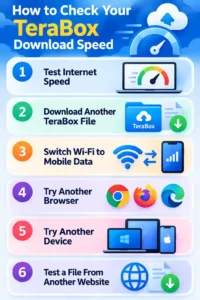
Before trying different fixes, check whether the problem is with your connection, TeraBox, or a specific file. Start by testing your normal internet speed, then download another file from TeraBox to see whether it has the same problem. Switch from Wi-Fi to mobile data, try a different browser or device, and download a file from another website as well. These simple checks can show whether the slowdown affects your whole connection or only TeraBox.
How to Check Your TeraBox Download Speed
Before trying different fixes, first check whether the problem is your internet, TeraBox, or one specific file. Run a normal internet speed test, then download another file from TeraBox and compare the result. If the second file downloads normally, the original file or link may be causing the problem. You can also switch from Wi-Fi to mobile data, try another browser or device, and download a file from another website to see whether the slowdown affects everything or only TeraBox.
10 Ways to Fix Slow TeraBox Downloads
If your TeraBox download is moving slowly, start with these simple fixes instead of changing everything at once. From checking your connection and network to trying another browser, VPN, or download method, these steps help you narrow down the problem and find what works for your situation.
1. Check Your Internet Connection
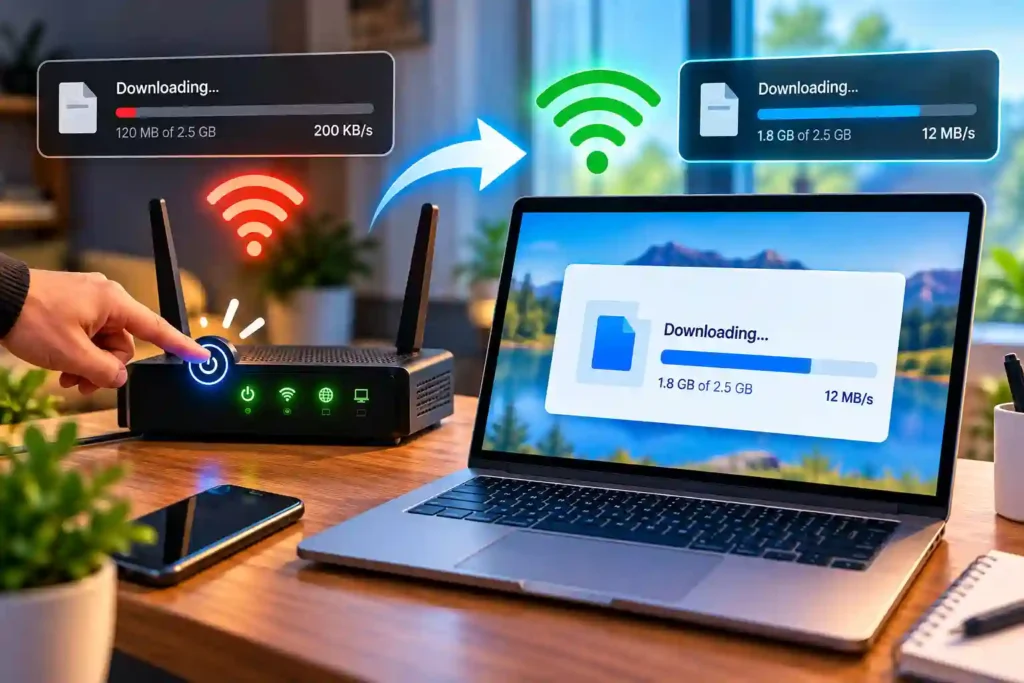
Start with your own connection before changing anything else. Restart your router, move closer to it if the Wi-Fi signal is weak, and pause anything running in the background. If other devices are using a lot of bandwidth, your TeraBox download may have less available speed.
2. Try a Different Network
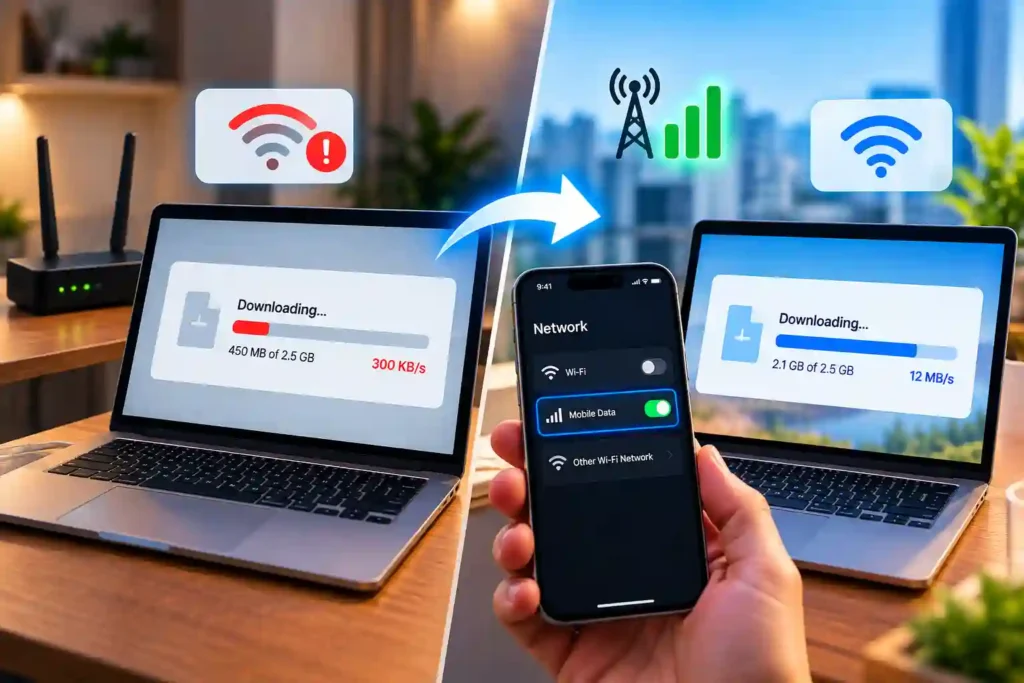
Switch from your home Wi-Fi to mobile data, or connect to another Wi-Fi network if one is available. A different network uses a different connection route, which can help you find out whether your usual network is causing the slowdown.
3. Pause Other Downloads and Heavy Apps
Streaming, cloud backups, and other downloads can use a large part of your available bandwidth. Pause them while downloading the TeraBox file, especially if several devices are using the same connection at the same time.

4. Try a Different Browser
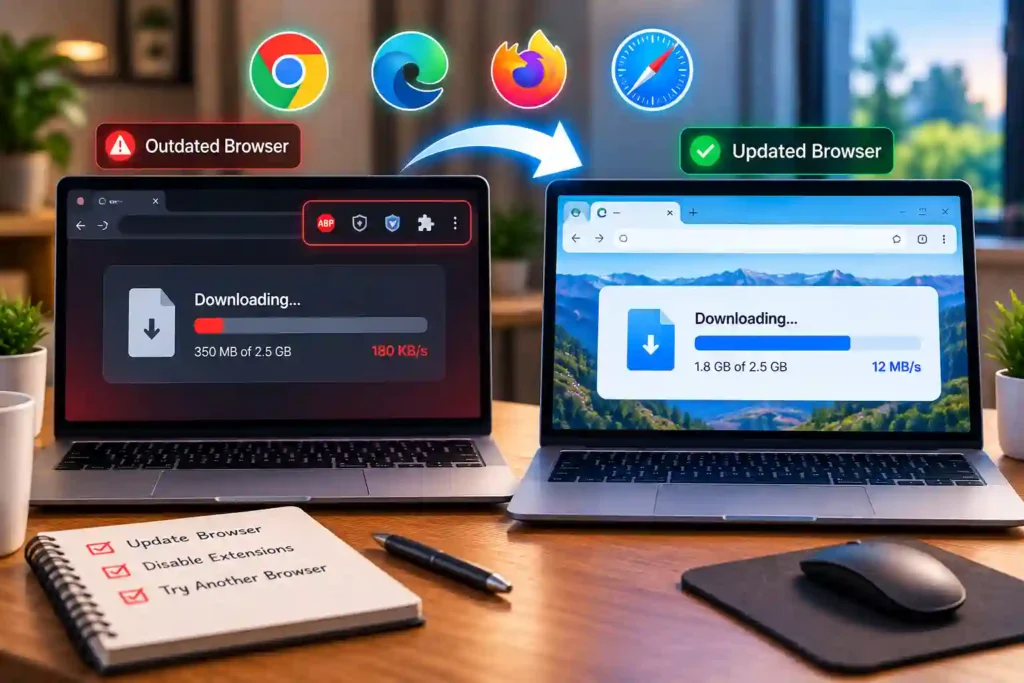
An outdated browser or a browser with too many active extensions can sometimes interfere with downloads. Try the same TeraBox file in another updated browser to see whether the download behaves differently.
5. Clear Your Browser or App Cache
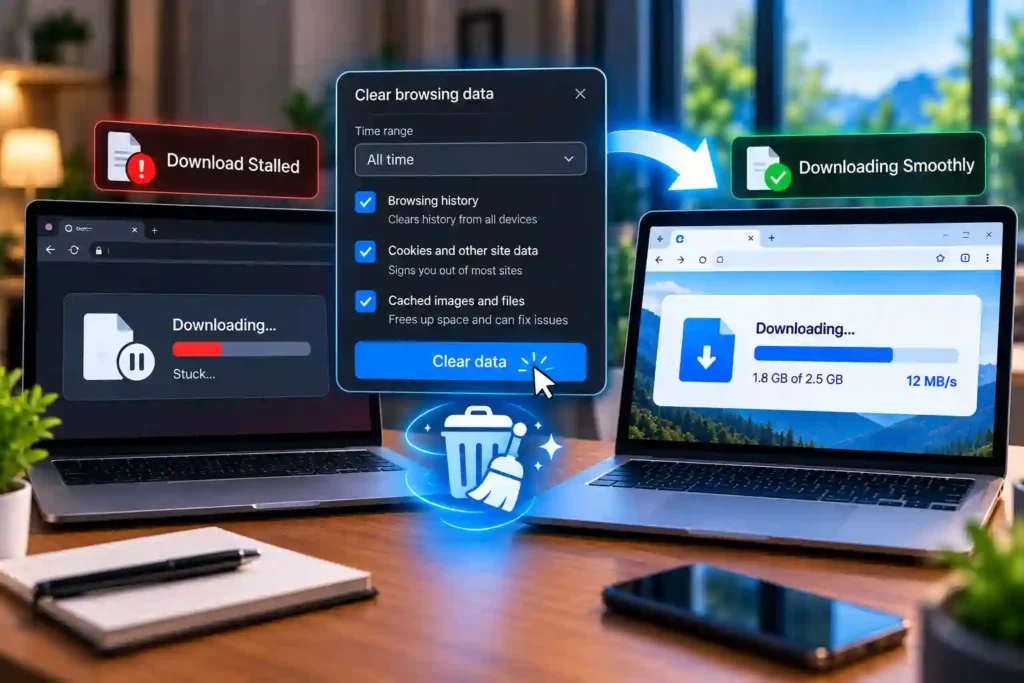
Clearing the cache is unlikely to increase your normal download speed, but it can help when a download keeps stalling, restarting, or failing to start. If the problem only happens in one browser or app, clearing its stored data is worth trying.
6. Make Sure You Have Enough Storage Space
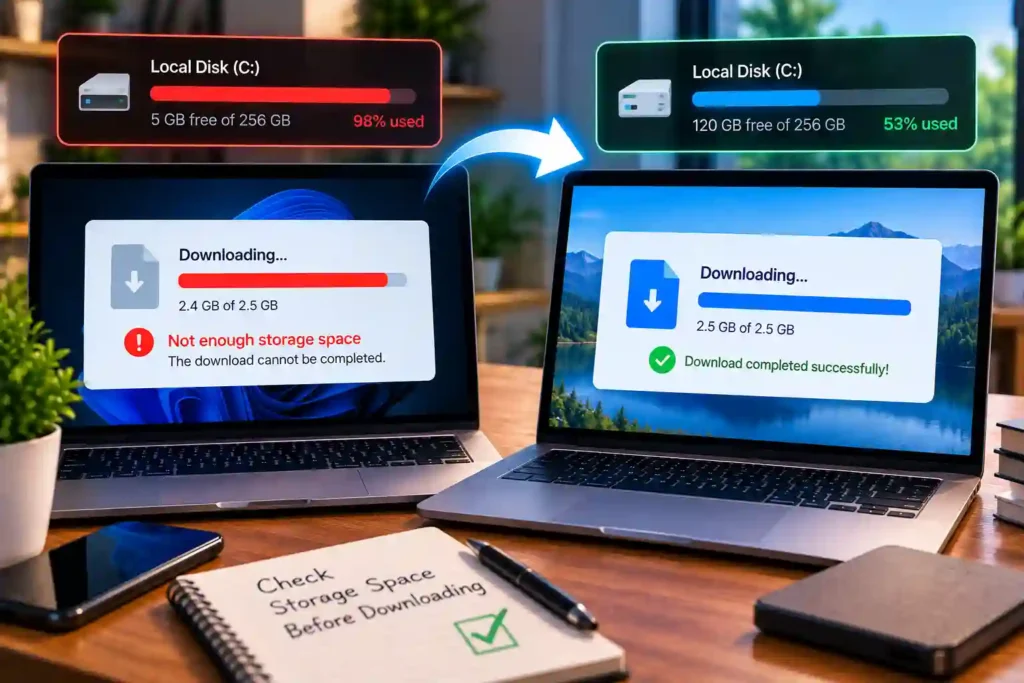
Low storage space will not normally make your internet connection faster or slower, but it can prevent a large download from completing. Check your available storage before downloading a large file, especially when the download stops near the end.
7. Try a Different Route With a VPN
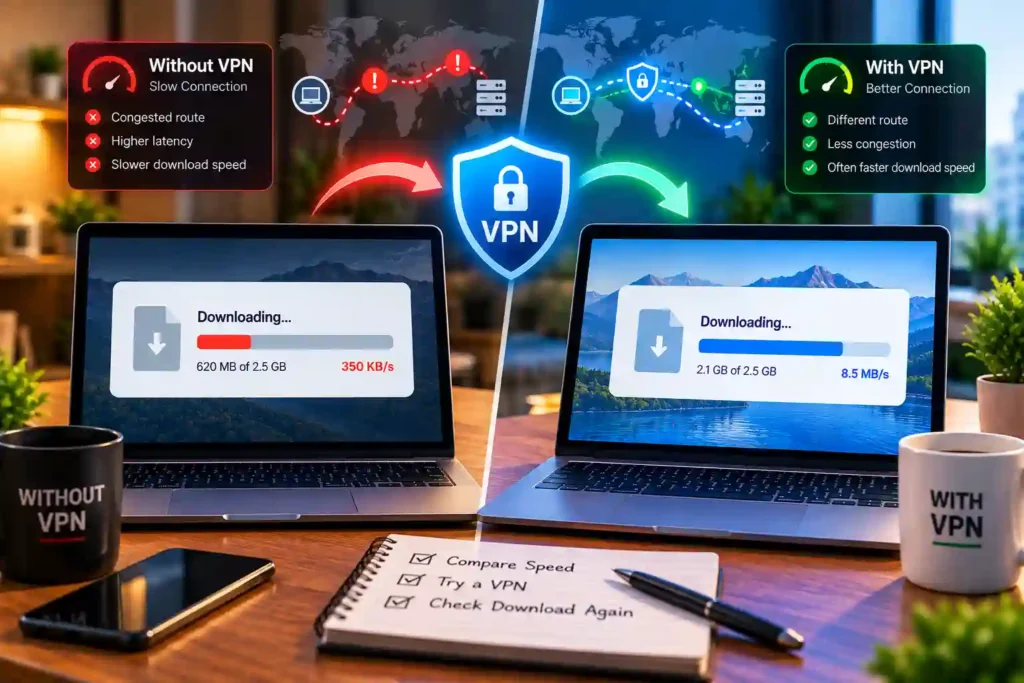
A VPN changes the route between your device and the TeraBox service, so it can help if your usual route is experiencing congestion. It can also make the connection slower because the traffic takes an additional route, so compare the speed with and without the VPN.
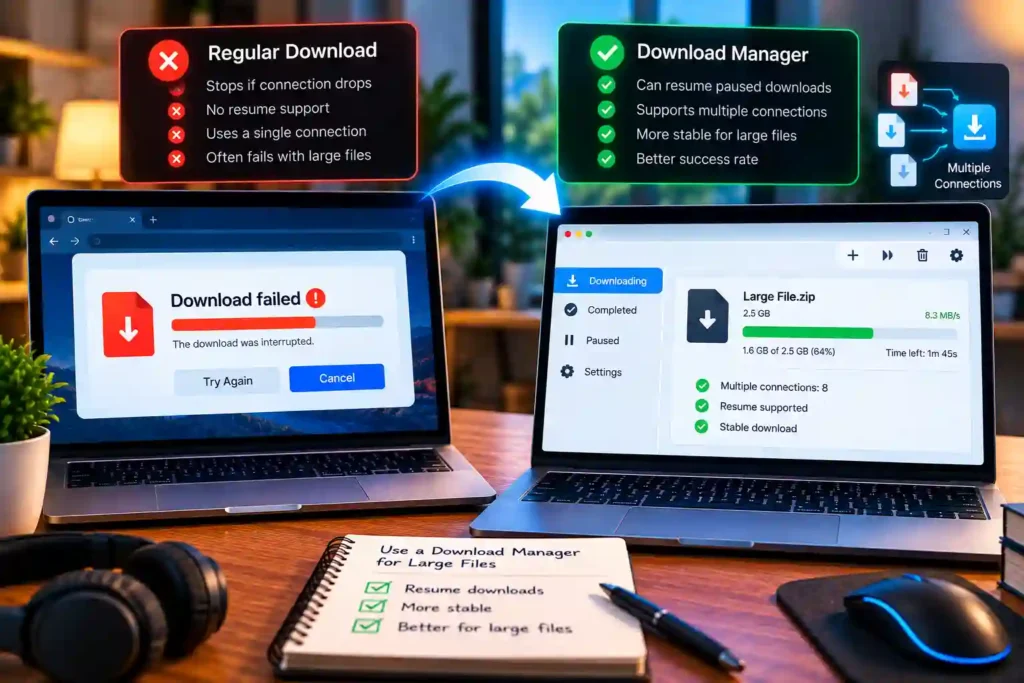
8. Use a Download Manager for Large Files
A download manager can be useful when large files fail midway or need to be resumed later. Some download managers can use multiple connections, but whether that improves speed depends on how the server handles the download.
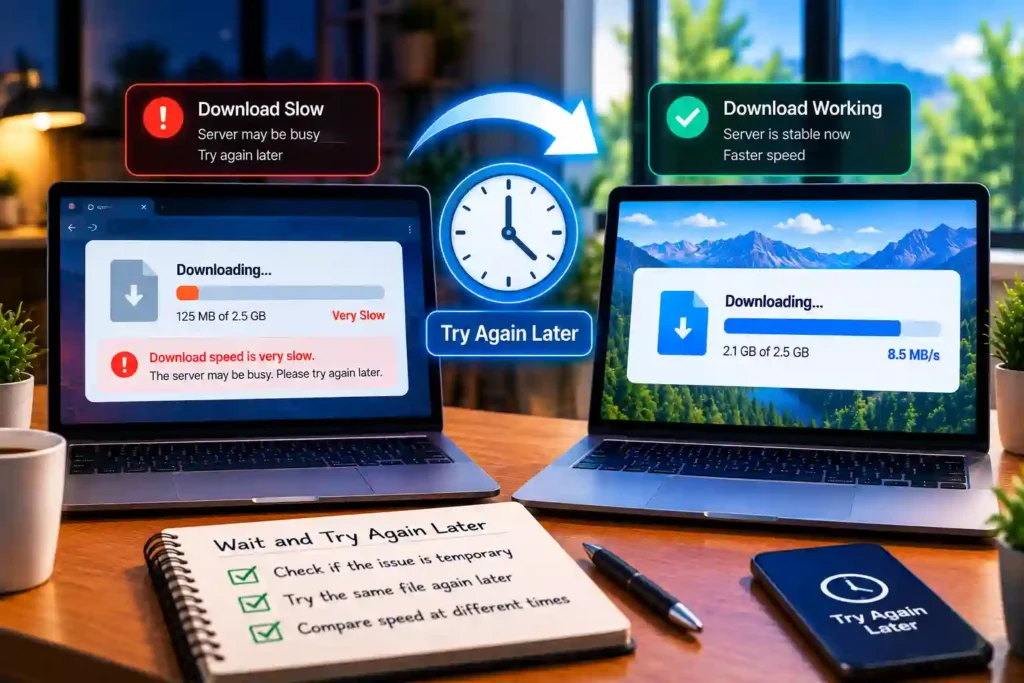
9. Wait and Try Again Later
Sometimes the slowdown may be temporary, so trying the same file again later can show whether the problem has changed. If other websites and TeraBox files are also slow, waiting may not solve the issue because the problem could be with your own connection.
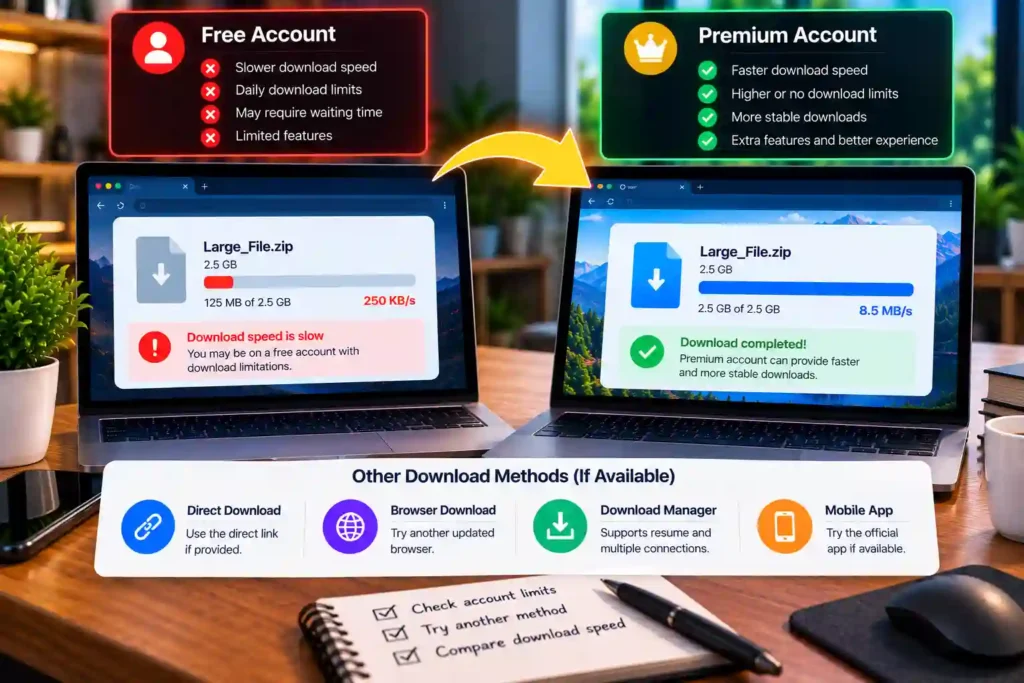
10. Consider TeraBox Premium or Another Download Method
If slow downloads happen regularly, check whether your current TeraBox account has download restrictions or conditions that affect your transfers. You can also try another supported download method for a specific file, but changing methods will not remove limits imposed by the service itself.
Does TeraBox Limit Download Speed?
TeraBox provides different conditions for Free and Premium accounts, so your account type can affect your download experience. However, your actual speed is not controlled by your account alone because your internet connection, network route, location, and the current transfer can also affect the result. There is no single download speed that applies to every TeraBox user. Two people downloading the same file can get different speeds depending on their connection and network conditions at the time.
Does TeraBox Premium Increase Download Speed?
TeraBox Premium can provide better download conditions than a Free account, but it does not guarantee a faster download every time. Your internet connection still sets a limit on how quickly the file can reach your device, so upgrading will not help much if your own connection is already the bottleneck. For example, if your home internet is already using most of its available speed, Premium cannot make that connection faster. It may remove an account-related restriction, but your network, location, and the current transfer can still affect the final download speed.
Can a VPN Improve TeraBox Download Speed?
A VPN changes the route your connection takes to TeraBox, which can help if your usual route is congested. But it can also slow things down because your traffic has to pass through the VPN server. The result depends on your internet provider, location, and network conditions. So instead of relying on a specific VPN location, compare the download speed with and without a VPN.
Why Is TeraBox Slow Even With Fast Internet?
Your internet speed and TeraBox download speed measure different parts of the connection. A speed test mainly checks the connection between your device and your internet provider, while a TeraBox download also depends on the network route between your provider and TeraBox. Think of it like driving on a wide road that becomes narrow farther ahead. Your connection can be fast at home, but congestion somewhere along the route can still slow the download.
Mbps vs MB/s: Why This Mix-Up Causes Confusion
Internet plans are usually shown in Mbps, which means megabits per second, while download speeds often appear in MB/s, or megabytes per second. Since one byte contains eight bits, a 100 Mbps connection can theoretically deliver around 12.5 MB/s, not 100 MB/s. So if your 100 Mbps connection shows a download speed around 8 MB/s, that does not automatically mean something is wrong. The two numbers use different units, so they should not be compared directly.
Why Is TeraBox Faster on Mobile Data Than Wi-Fi?
Mobile data uses your carrier’s network instead of your home internet provider, so the connection takes a different route to TeraBox. That route may avoid congestion affecting your home connection, which can make the download faster. Your Wi-Fi setup can also be part of the problem if the signal is weak or several devices are using the router at the same time. Switching to mobile data removes those home-network factors from the test.
Why Is TeraBox Faster on Mobile Data Than Wi-Fi?
It is normal to see a download move at 5 MB/s, drop to 500 KB/s, and then rise again. Your Wi-Fi signal can change during the download, while large files may also transfer at different speeds instead of staying constant. Network congestion can cause further changes, but the exact reason is not always clear from the download speed alone. If the speed keeps moving up and down but the file continues downloading, some variation by itself does not necessarily mean there is a problem.
Is Your TeraBox Link Causing the Slow Download?
Sometimes the problem is not the download speed but the link itself. An expired, broken, or incorrect link may fail to load properly, while a deleted file may no longer be available through the shared link. If the link does not open or the file never starts downloading, check our guide on why your TeraBox link isn’t working to find the possible cause. If the link opens normally but you still want an easier way to download or play the file from your browser, you can use TeraDownloaderPlayer.
TeraBox Download Speed vs Internet Speed
| What You Notice | What It May Mean |
|---|---|
| Everything downloads slowly | Your internet or network may be slow |
| Only TeraBox is slow | The issue may be with TeraBox or the network route |
| Wi-Fi is slow, but mobile data is fast | Your home network or its route may be the problem |
| Only one TeraBox file is slow | The file, link, or current transfer may be causing the issue |
| All TeraBox files are slow | The problem may affect your TeraBox connection more broadly |
What to Do When Nothing Fixes the Slow Download
If the download is still slow after trying the fixes above, test another TeraBox file and switch to a different network if possible. This helps you check whether the problem affects every file or only one transfer. If you want to try a browser-based way to download or play supported TeraBox files, TeraDownloaderPlayer is another option worth checking.
Frequently Asked Questions
Conclusion
A slow download does not always mean there is something wrong with TeraBox or your internet. Check your connection, network, browser, account, and the file itself to narrow down where the problem is coming from. Once you know what can affect TeraBox download speed, you can test these factors one at a time instead of changing everything at once. In many cases, a simple network change or browser check can help you find the cause.